This file only used for multi-location databases. It allows you either filter data in forms and reports to a specific location, or, specify which POS Location(s) a particular item is available from. e,g This feature would be useful if a particular PLU may only be sold at one location. Or if an entire menu is limited to one location, Product Keypads can also be limited in the same way.

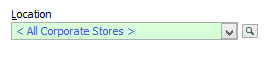
Various forms in Polygon POS Management and Polygon Back Office have a location selector box. Clicking the browse button will display a list of POS Locations to select from.
|
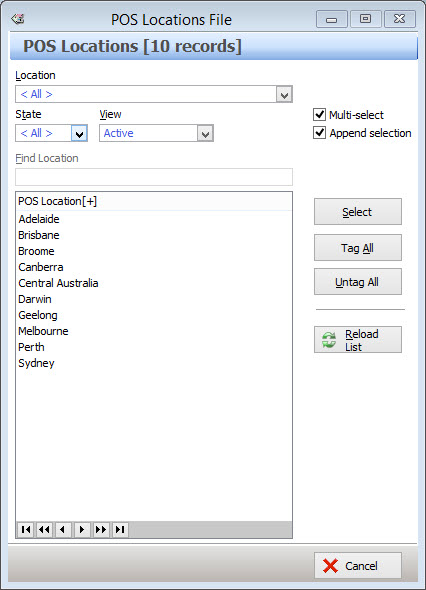
This form displays a list of all the locations which have been entered into the system. Locations can be selected from this form for use in filters or to limit an item's availability to the selected locations.
•To select a location highlight the location and then click the Select button. If you are selecting more than one location make sure the Multi-Select tick box is ticked.
•To remove a location, hold the control button on the keyboard and click on location, un-tick the Append Selection tick-box and then click the Select button.
See Also:
Polygon POS Management Introduction
Polygon Back Office Introduction