This form is used to enter section details when editing or creating a POS Area Section. It is accessible from the POS Area Section File.
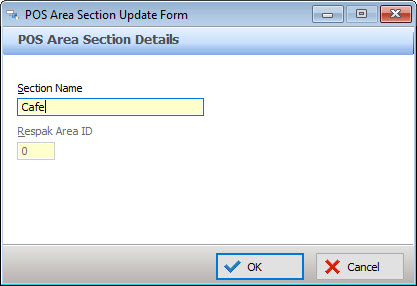
Completing POS Area Section Details
•Enter the Section Name.
•If using Respak booking system interface, enter the Respak Area ID this POS Area Section should be mapped to
•Select OK to save the POS Area Section
See Also:
Polygon POS Management > POS Area Sections
Polygon POS Management > POS Area Details