This form can be used to specify the largest vertical height of any resizable form in Polygon POS Management or Polygon Back Office .

From Polygon POS Management or Polygon Back Office, Open the BOH Application Settings by selecting File from the main menu then selecting Application Settings. Select the General major group from the tree menu at the left of the form, Then, under the Display heading in the list of settings at the right of the form, Click the Line Item icon
|
 next to the
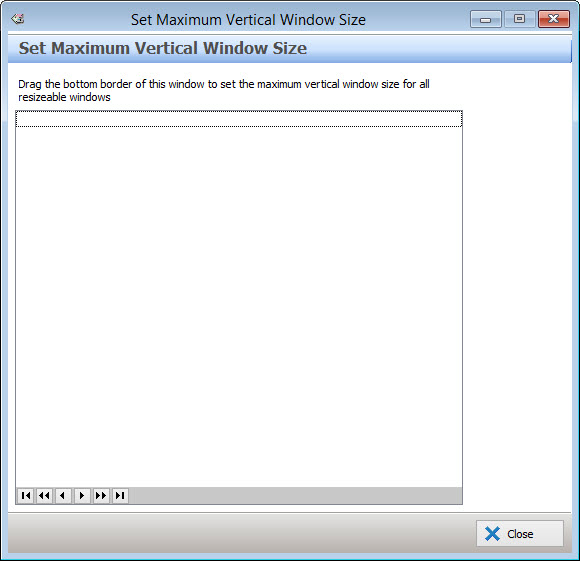
To specify the maximum size allowed for any vertically resizable Polygon POS Management or Polygon Back Office forms, resize this form to the desired maximum size and then click the Close button. To disable the form size limit resize the form to it's smallest possible size.
See Also
Polygon POS Management > Application Settings
Polygon Back Office > Application Settings
Getting Started with Polygon POS Management
Getting Started with Polygon Back Office